Halora

Live on the App Store · Version 1.1.5

Perfect light,
one tap away.

Halora turns your iPhone screen into a real ring light, for photos, video and a mirror that actually shows your face.

  • Free to download
  • No subscription
  • No account required
QR code to Halora on the App Store

Scan to downloadPoint your iPhone camera at the code and Halora opens in the App Store.

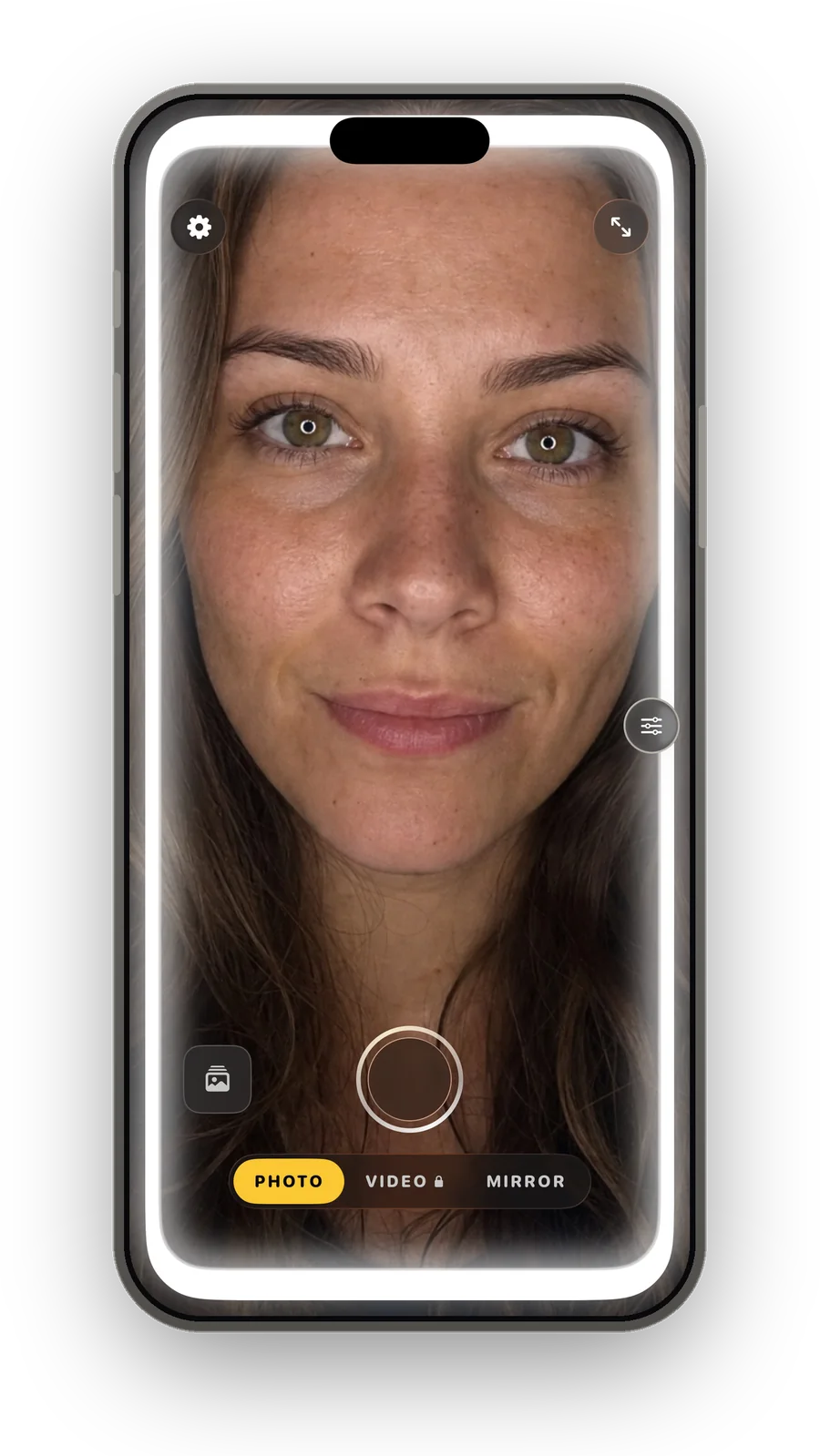
An iPhone running Halora in Photo mode, the whole screen glowing as a ring light on a face.

Straight from the App Store

This is the whole app.

No mock-ups. These are the screenshots on Halora’s live App Store listing.

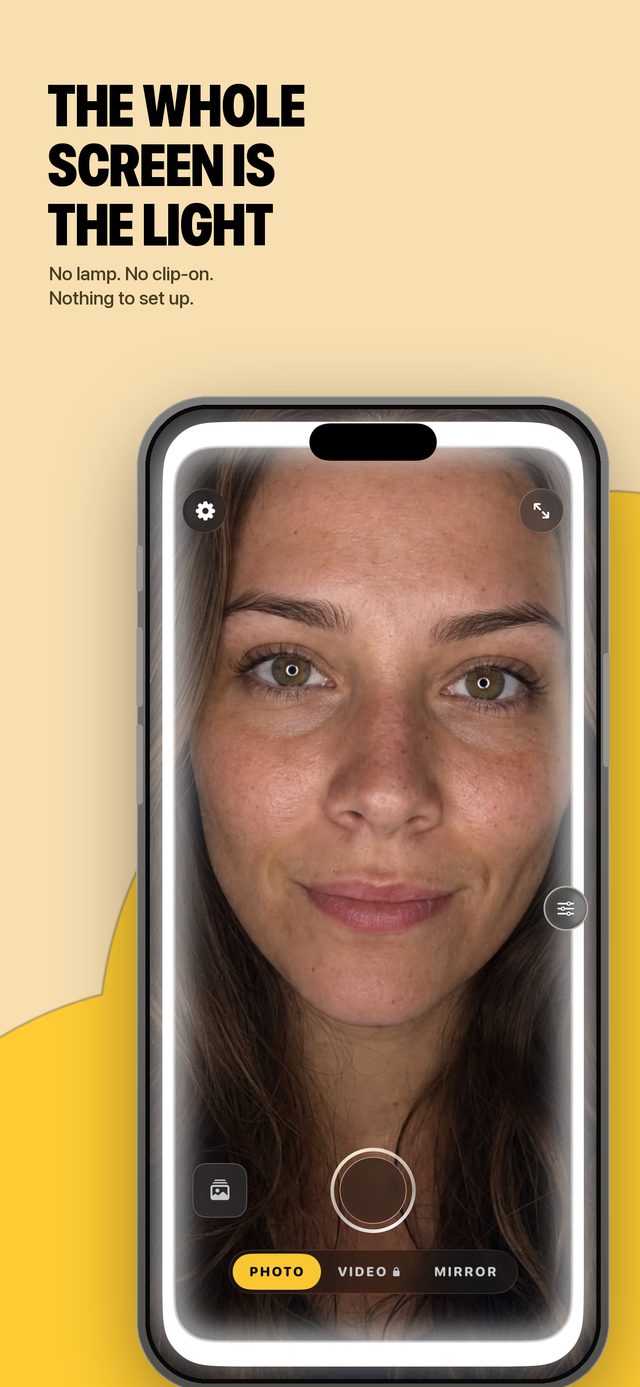
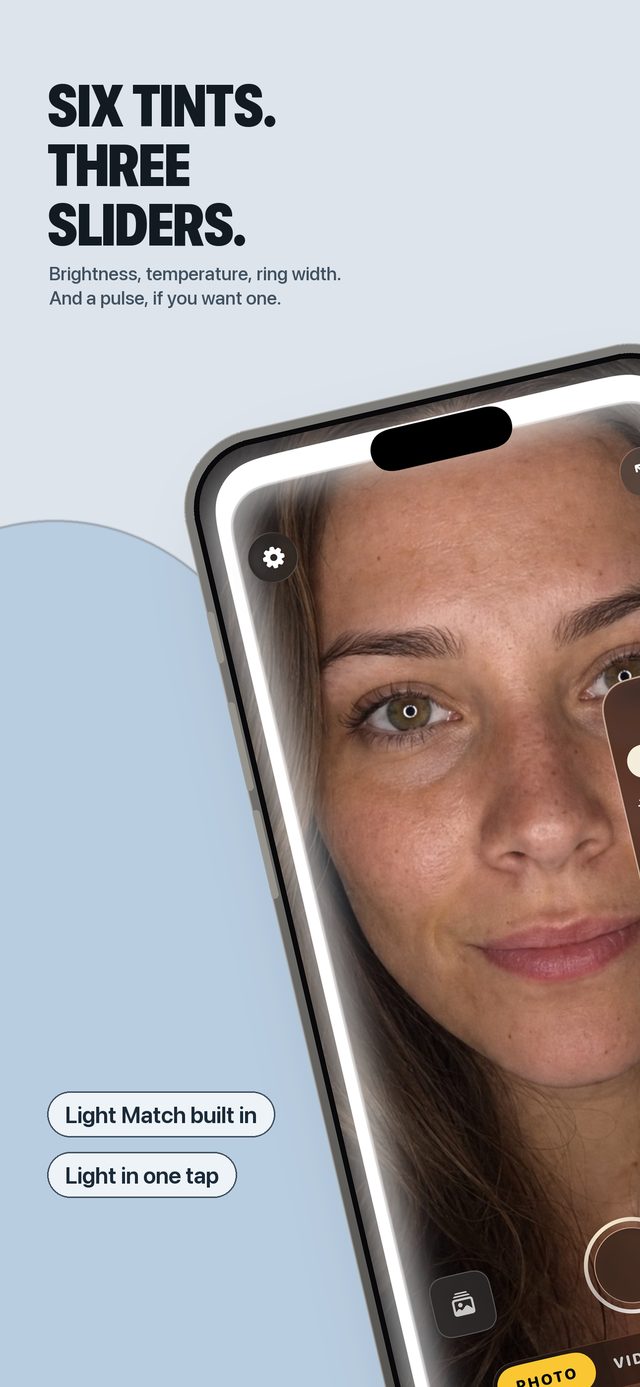
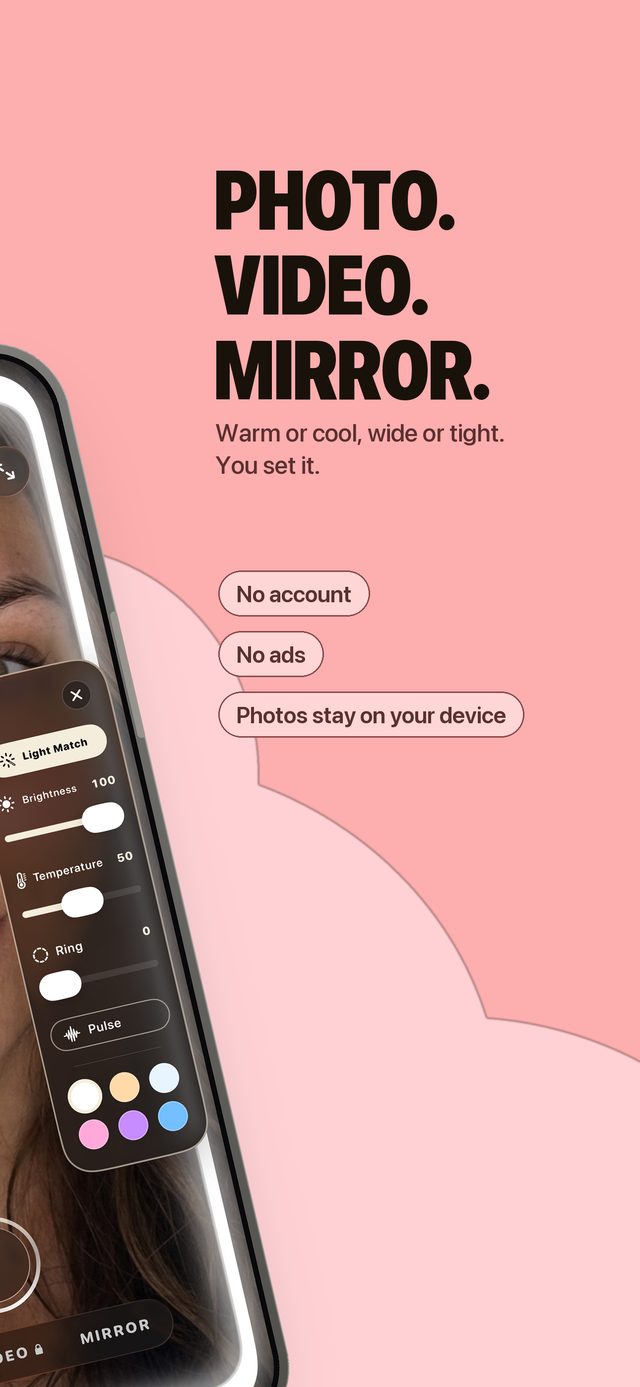
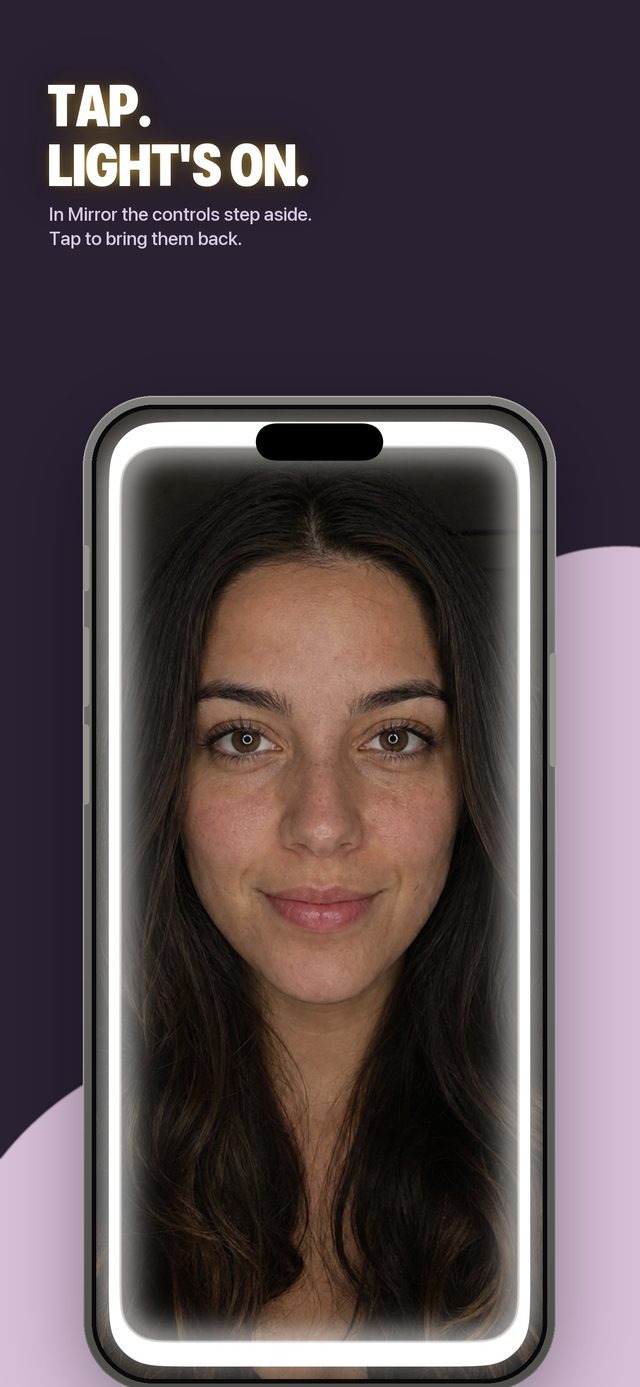
Halora lighting a face from the whole iPhone screen, captioned “The whole screen is the light”. Halora’s light controls: brightness, temperature and ring width, captioned “Six tints. Three sliders.” Halora’s three modes, captioned “Photo. Video. Mirror.”, with the notes no account, no ads, photos stay on your device. Mirror mode with the controls stepped aside, captioned “Tap. Light’s on.” A typographic card reading “Your phone becomes a ring light”.

Three modes

Mirror, photo, video.

Mirror and Photo are free. Video is part of the optional one-time Halora Pro upgrade.

Free · unlimited

Mirror

A live, ring-lit mirror. Tap once and the controls disappear, leaving your face and the light. For makeup, an outfit check, or fixing your hair before a video call. Nothing is saved, nothing is uploaded.

Free · 5 saves a day

Photo

Selfie capture with the ring light fully under your control. You get five saved photos every day for free, and the allowance refills each morning. Photos go straight to your library.

Halora Pro

Video

Record up to 60 seconds at 1080p with constant, even light and locked exposure, so your face stays lit the same way from the first frame to the last. No flicker, no auto-brightness drift.

Why it feels instant

Good light shouldn’t need a launch screen.

Halora is built to be open and lighting your face before a normal camera app has finished loading.

Control Center

Add Halora once and good light is one tap from any screen, even in the middle of a call.

Lock Screen widget

One tap and you are in the camera with the ring light already on. No unlocking, no hunting for the icon.

Siri, Shortcuts, Action Button

Say it, automate it, or put it on the side button of an iPhone 15 Pro or newer.

Pre-warmed camera

The camera starts when you tap, not when the app finishes loading. Ready to shoot in under a second.

Tune the light

It’s a light you actually control.

Not a white rectangle. Brightness, warmth, spread and tint, all adjustable while you shoot.

  • Brightness0 bis 100 %
  • Colour temperatureCandle-warm to clear and cool
  • Ring spreadThin halo to full soft glow
  • TintsNeutral, peach, rosé, lavender, mint, gold
  • Exposure lockFor video, no brightness drift mid-clip
  • VideoUp to 60 seconds at 1080p

Privacy

Your face never leaves your phone.

Halora is built by one independent developer. There is no ad network, no analytics SDK and no data business behind it.

No account required

You can use the whole app as a guest. Signing in with Apple or Google is optional, it only syncs your Halora Pro unlock and settings across devices, and you can delete your account from inside the app.

Photos stay on your device

Camera frames are processed on-device. Photos and videos are written to your own Photos library when you press the shutter, never uploaded to us.

No tracking SDKs

No analytics, attribution or advertising SDKs in the app, and no in-app ads. Halora doesn’t track you across other apps, so there is no tracking prompt.

Full detail in the Privacy Policy · Datenschutzerklärung

Pricing

Buy it once. That’s it.

Halora is free to download. Halora Pro is a single one-time purchase, not a subscription, nothing to cancel.

Free

Everything you need to try it

Mirror mode, unlimited and without limits. Photo mode with five saved photos a day, refilled every morning. No ads, no account, no trial countdown.

Halora Pro · one-time

Unlimited saves and video

Lifts the daily photo limit and unlocks Video mode. One payment through the App Store, yours for good, no recurring charge, no renewal to remember. The current price is shown in the App Store before you buy.

Questions

The short answers.

Is Halora really free?

Yes. The app is free to download. Mirror mode is free and unlimited, and Photo mode lets you save five photos a day at no cost, refilled every morning. Halora Pro is an optional one-time purchase that removes the daily limit and unlocks Video mode.

Is Halora Pro a subscription?

No. Halora Pro is a single one-time in-app purchase handled by Apple. There is no auto-renewal, no trial that converts, and nothing to cancel later.

Do I need an account?

No. The entire app works as a guest. You can optionally sign in with Apple or Google if you want your Pro unlock and settings to follow you to another device, and you can delete that account at any time in Settings.

Are my photos uploaded anywhere?

No. Camera frames are processed on your device, and captured photos and videos are saved to your own iOS Photos library. Halora has no server that receives your media.

Which iPhones does it work on?

Halora requires iOS 17 or later. The Action Button shortcut needs an iPhone 15 Pro or newer; every other feature works on any supported iPhone.

Is there an Android version?

Not yet. Halora is an iPhone app today. An Android version is in development and is not available to download.

Stop taking grainy selfies.

Free to download, no subscription, no account required. Your screen is already the best light in the room.

Download on theApp Store